GitHub Solution for «Support for password authentication was removed»

If you have recently tried to login to your GitHub account from git you may have encountered this error. Luckily it’s not that hard to fix, let me show you how.

1. First of all verify your email address, if it hasn’t been verified yet.

2. Go to github.com/settings/tokens/new, you can find this menu in:
Settings > Developer Settings > Personal Access Token.

3. Set expiration to No Expiration, since we just want to use this password like before. You can ignore the warning.
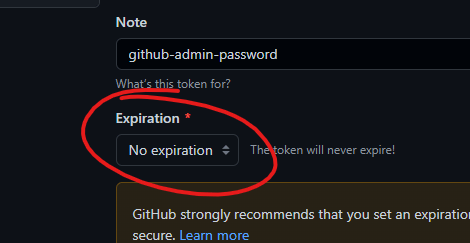
4. Under select scopes just check everything, that way you don’t have to worry about any errors popping up while using this generated password/token.
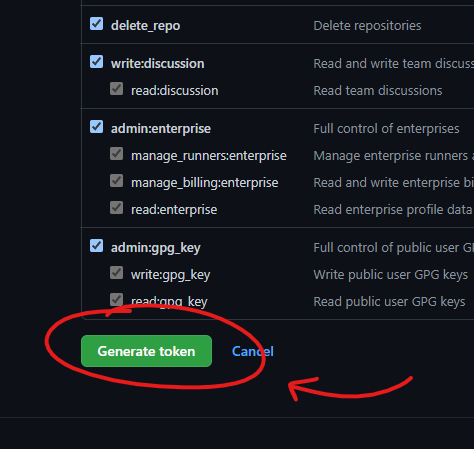
5. Click «Generate Token», and copy the new password as you won’t be able to access it later. I recommend putting the token in a text file and store it in a cloud, like Drive/Dropbox/iCloud. That way you will never lose it even if your change computer.

6. In the terminal you can now paste in the token when prompted for your password and voila you should be logged in!

Sometimes companies do things for random reasons and this is most probably one of them. Why GitHub make you go through this rigmarole is beyond me, but this method solves the issue. This is in no way more secure than the passwords we were already using so it’s probably just a case of GitHub trying to keep up appearances of a secure site. They will probably add more random complexities, so bookmark this blog as i will release more great tutorials in the future.
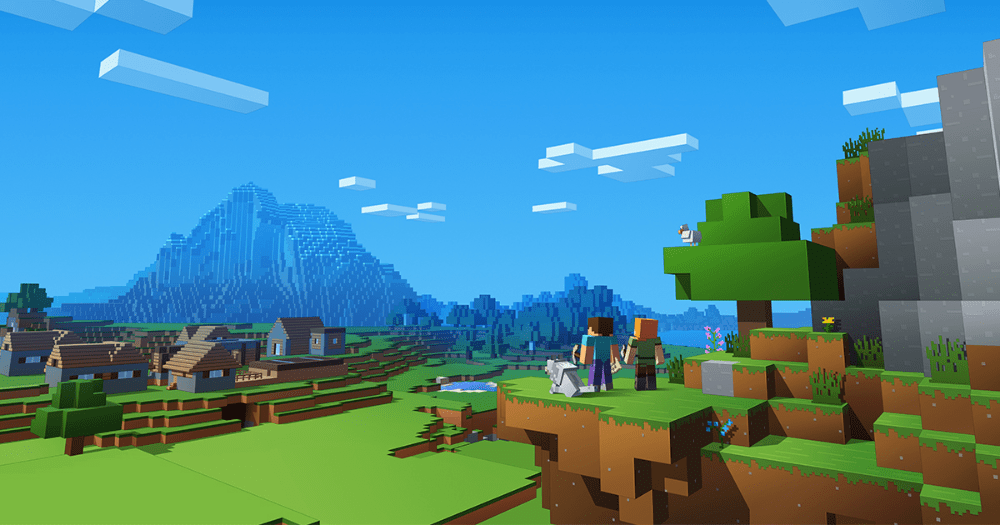
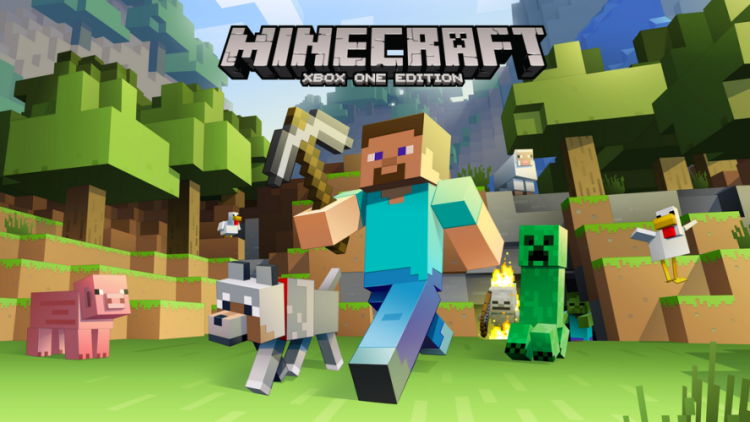
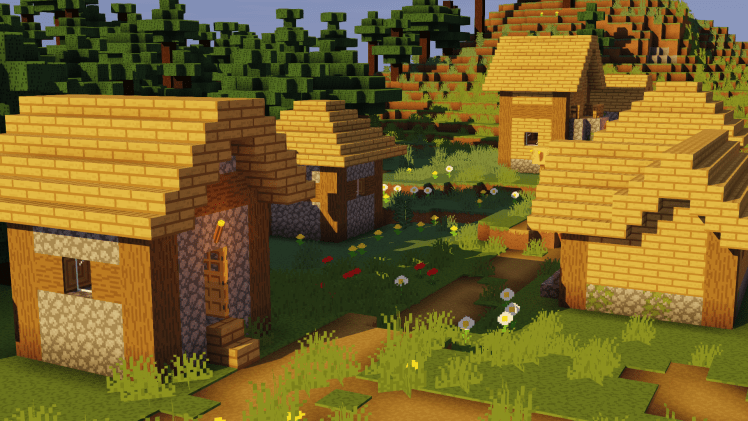
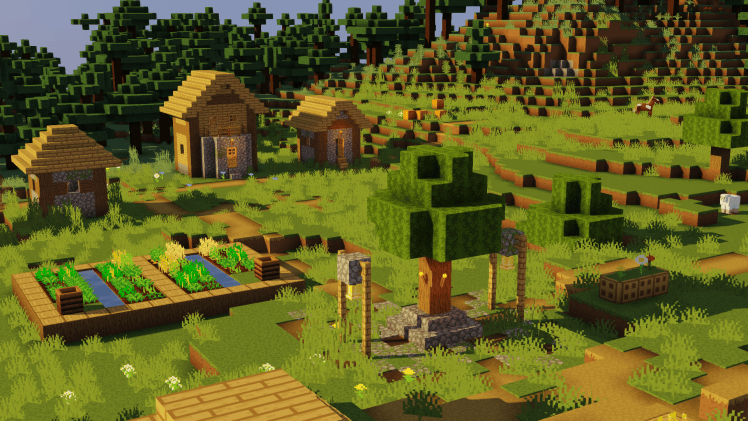
Make Minecraft like this:

Tell me more…

The team at Minecraft has been developing a new asthethic and i dig it.
It’s flat textures with hard lighting and the result is a clean feel that looks great.
I’ve been experimenting with how to get minecraft as close as possible to this look,
and i’d say the result is pretty impressive. It’s not identical, but it’s pretty close!


Goal


How to do it

To get the look there are a few things you will need to do…


Getting textures

Ewan Howell has already created a resource pack that emulates the style
Install it and you we have the textures part done


Installing shaders

Most shader will probably do, as long as we can customize the shadows
We will need OptiFine. I choose Sildurs’s lite shaders.
Install OptiFine, then drop the shader in: Video settings ➡ Shaders ➡ Shaders Folder


Change them settings

Go to video settings ➡ Shaders ➡ Shader Options ➡ Shadows
Chenge the settings to:
Shadow Resolution: High
Shadowmap Quality: 0.6 (lowest possible)
Grass Shadows: OFF
Shadow Render Distance: As high as you can while maintaining good fps

Up to personal taste

  • To match the look i choose to disable all Waving Objects
  • Set Trees: Fast to make them blocky and not translucent
  • Disable realistic 3D clouds (requires editing source files)


Result

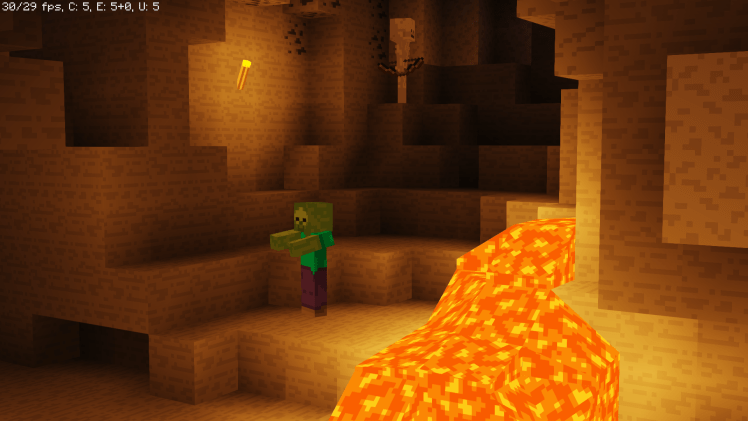
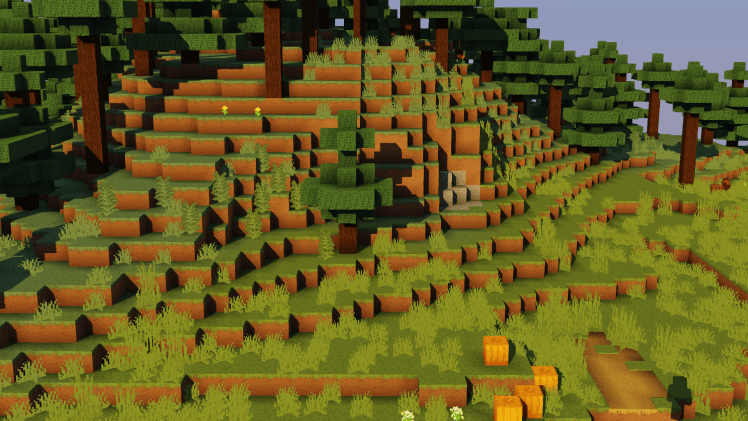
Pretty happy with the result, unfortunately it come with a significant performance hit 😢

You would think simple sharp shadows and glossy blocks would be one of the lightest effects to apply, but that’s not the case here.
I’m guessing the shaders are horribly optimized for sharp shadows because we need to increase the shadow resolution to get sharper shadows, an engine built ground up for sharp shadows would calculate sharply from the get go.

Would really like to see a mod/shader that is specifically made for this look, how much of a performance gain would there be? 🤔

I’m really interested in developing this look, if you have any tips or better ways of doing it please 💕leave a comment💕 on what you did! ⤵

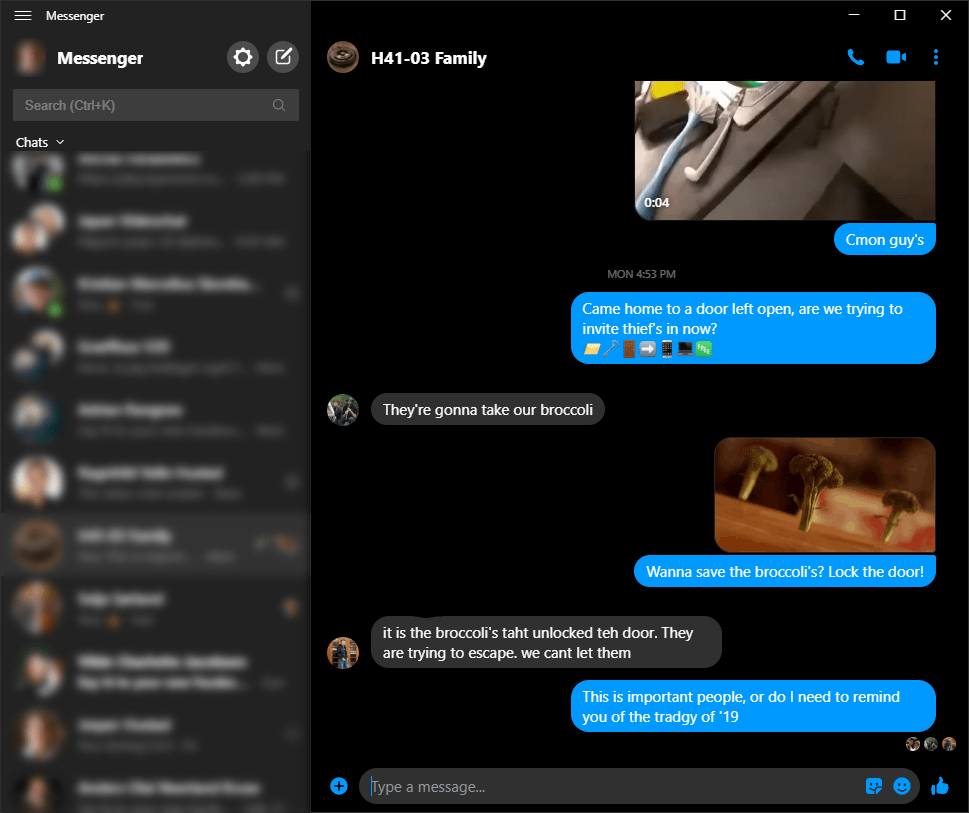
Windows 10 Facebook messenger shortcuts

Shortcuts

Alt + ⬇ next chat
Alt + ⬆ previous chat
Ctrl + K Search
Ctrl + number Select from search
Enter send message
Shift + Enter add line in message

Extras

New in windows, use Win + Shift + S to take a screenshot 📸
Then you can simply Ctrl + V in messenger to add the image

Ctrl + ⬅ while cursor is at beginning of message will skip to the end of message
Of course Home and End still works to skip as usual

Why it’s awesome

✅ Dark mode
✅ Shortcuts
✅ Native
✅ Fast
link

Tough projects like caprine are great! Having a natively supported app is a blessing because it can do smart things that makes it much faster!

Hopefully they will add some features that are missing like site sharing without URLs and other such goodies, but a great start.

If there are some more shortcuts which i missed, tell me in the comments and i will add them!

Utforming | design et nettsted som dette med WordPress.com
Sett i gang