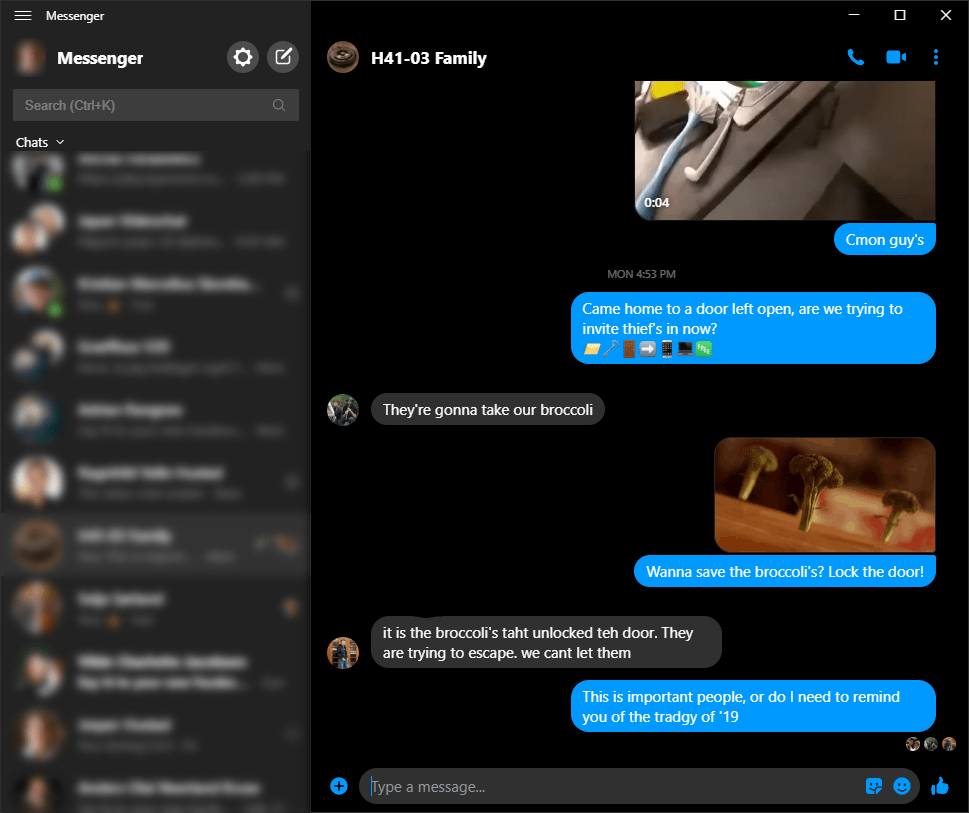
Shortcuts
Alt + ⬇ next chat
Alt + ⬆ previous chat
Ctrl + K Search
Ctrl + number Select from search
Enter send message
Shift + Enter add line in message
Extras
New in windows, use Win + Shift + S to take a screenshot 📸
Then you can simply Ctrl + V in messenger to add the image
Ctrl + ⬅ while cursor is at beginning of message will skip to the end of message
Of course Home and End still works to skip as usual
Why it’s awesome
✅ Dark mode
✅ Shortcuts
✅ Native
✅ Fast
link
Tough projects like caprine are great! Having a natively supported app is a blessing because it can do smart things that makes it much faster!
Hopefully they will add some features that are missing like site sharing without URLs and other such goodies, but a great start.
If there are some more shortcuts which i missed, tell me in the comments and i will add them!
 I just want info